Step 1 – Upload Your TIFF Images
Click the upload area or drag and drop your TIFF files directly into the converter. You can upload up to 30 TIFF images in one batch and convert them all at once.
Have a TIFF file that needs to be in a different format? Our free TIFF converter makes it simple. Convert your TIFF images to JPG, PNG, WEBP, AVIF, GIF, BMP, and more without any quality loss, without creating an account, and with no limit on how many times you convert.
Upload panel
Tap, browse, drag, or drop. You can remove any image before processing.
Drop images here or tap to choose
This converter accepts only TIFF source images.
No image selected yet
Start by uploading one image, or upload many for batch compression and ZIP export.
Converting your TIFF images to other formats is quick, clean and straightforward from start to finish.
Here is exactly how it works:
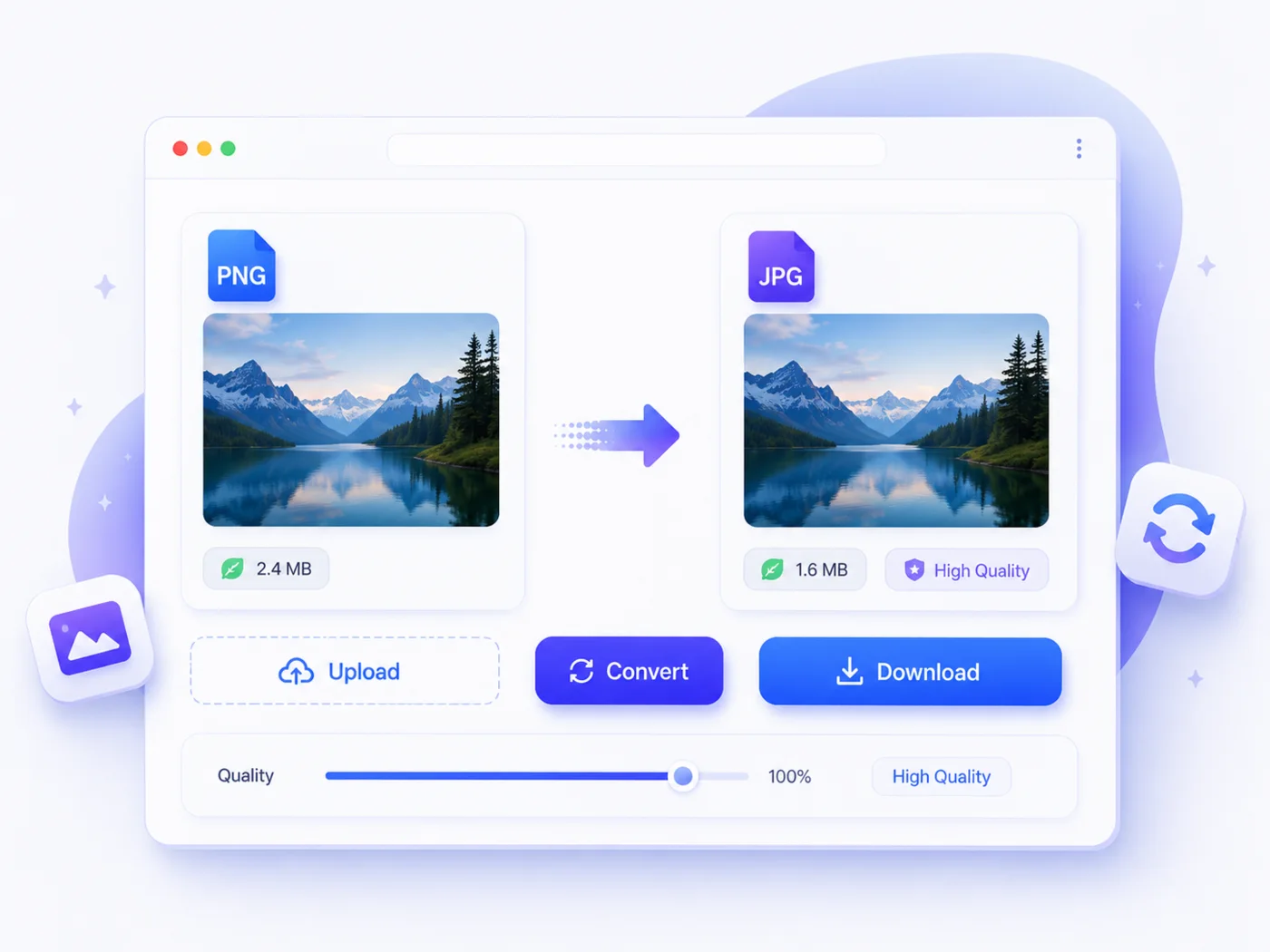
Click the upload area or drag and drop your TIFF files directly into the converter. You can upload up to 30 TIFF images in one batch and convert them all at once.
Choose the format you want to convert your TIFF images to. JPG, PNG, WEBP, AVIF, GIF, BMP, and any other format. Pick your preferred output format with a single click, and it applies to all your selected images automatically.
Hit convert, and your images will be ready in seconds. Download them individually or grab the entire batch in one zip file.
No account to create, no settings to figure out and no unnecessary steps standing between you and your converted images.
TIFF stands for Tagged Image File Format. It was developed in the mid-1980s and quickly became the gold standard for professional photography, print production and publishing workflows worldwide.
Unlike JPG or WEBP, which are built around compression and file size reduction, TIFF was built around one thing: preserving every single detail of an image with absolute precision.
TIFF supports both lossless and uncompressed storage, which means image quality never degrades, no matter how many times the file is saved or exported. For professionals where image accuracy is non-negotiable, reliability is everything.
Here is where TIFF is most commonly used today:
Professional photography and photo editing workflows
Commercial and fine art printing
Publishing, magazine and editorial production
Medical and scientific imaging
Document scanning and archiving
Prepress and graphic design production
TIFF is trusted across these industries because it delivers. Color accuracy, image detail and quality consistency are all handled at the highest possible level.
That said, TIFF has real practical limitations beyond professional workflows. The files are large, browsers do not support them, and most everyday platforms cannot handle them.
For sharing, web use or working outside a professional print environment, converting TIFF to a more practical format is always the smarter move.
Our TIFF converter gives you complete flexibility over your output format. Whether you need a lighter file for everyday sharing or a web-ready format for online use, there is an output option here that fits perfectly.
Here are all the formats you can convert your TIFF images to:
The most practical choice for everyday use. Convert your TIFF to JPG for maximum compatibility across devices, platforms and software.
JPG dramatically reduces the heavy file size of TIFF while delivering clean, reliable results for photographs and general use.
Need transparency or lossless quality in a more manageable file size? Convert your TIFFs to PNGs for graphic design, digital publishing, and any project where clean, crisp edges and full quality matter, without the massive file size of TIFF.
Tiff to WebP is the smartest move for web performance. Convert your TIFF to WEBP and reduce the file size by a dramatic amount.
This conversion maintains excellent visual quality across all modern browsers and web platforms.
AVIF is the next-generation format built for superior compression. Convert your TIFF to AVIF for the smallest possible file size without any visible quality difference.
It is perfect for web use and modern storage optimization.
Need a simple, lightweight graphic? Convert your TIFFs to GIFs for basic web graphics, social media content, and anywhere a lightweight format is specifically required.
Need a raw, uncompressed Windows-compatible file? Convert your TIFF images to BMP for Windows-based workflows.
You can also use TIFF for specialized editing environments that require unprocessed image data.
Not sure which format suits your project? Each format above has its own dedicated converter page with everything you need to make the right choice.
TIFF is the undisputed professional standard for print and photography, but outside those specialized workflows, it quickly becomes impractical. There are plenty of real situations where converting your TIFF to another format is the right call.
Here are the most common reasons people convert TIFF images:
TIFF files are enormous. A single high-resolution TIFF can easily reach 50-100 megabytes or more. For email sharing, cloud storage and everyday file management, that size becomes a serious problem. Converting to JPG or WEBP reduces file size dramatically while maintaining visual quality.
Browsers do not support TIFF. You cannot display a TIFF image on a website or share it as an inline image online. Converting to JPG, PNG, or WEBP is essential before using any TIFF image in a web environment.
Most everyday platforms, social media sites, messaging apps and online tools cannot handle TIFF files. Converting to JPG or PNG removes those compatibility barriers instantly, making your images universally shareable.
The sheer size of TIFF files makes uploading, downloading and sharing them painfully slow over standard internet connections. Converting to a compressed format makes the whole process significantly faster and more practical.
Most clients and collaborators outside professional print workflows are not equipped to handle TIFF files. Converting images to JPG or PNG before delivery ensures they can be opened and used without issues on the receiving end.
Digital publishing platforms and social media sites all prefer lightweight formats like JPG and WEBP. Converting your TIFF images before publishing ensures the best possible display quality and fastest loading times across every platform.
Whatever your reason for converting, the right format is just a few clicks away.
There are other TIFF converters out there, but most of them come with restrictions that get in the way exactly when you need them most. We launched Img To Images Converter to completely remove those restrictions.
Here is what makes us the right choice:
Every TIFF conversion is 100% free. No trial period, no credits system and no premium plan required. Free means free, every single time.
No email, no name, no personal information needed. Open the page, upload your TIFF files and convert. Nothing more.
Upload up to 30 TIFF images at once and repeat as many batches as you need. There is no cap, no restrictions, no counters ticking down in the background.
Every TIFF conversion preserves your original image quality unless you choose to apply compression yourself. Nothing gets touched without your permission.
Convert TIFF to JPG, PNG, WEBP, AVIF, GIF, BMP and more, all from one place without jumping between different tools.
No cluttered interface, no aggressive ads and no pop-ups interrupting your workflow. Just a clean, fast converter that gets the job done.
Your TIFF files deserve a converter that respects them. Img To Images Converter delivers exactly that, every single time.
Yes, completely. No hidden charges, no premium tiers and no credit systems involved. Every TIFF conversion on Img To Images Converter is free, today and every time after that.
You can convert up to 30 TIFF images in a single batch. Once your batch is done, start another one immediately. There is no limit on the number of batches you can run, so converting large collections of TIFF images is never a problem.
Not by default. TIFF stores image data at the highest possible quality level. When converting to a lossless format like PNG, that quality is fully preserved.
When converting to JPG or WEBP, our tool maintains high quality unless you choose to apply additional compression yourself.
You can convert TIFF to JPG, PNG, WEBP, AVIF, GIF and BMP. Every output format has its own dedicated converter page if you need more specific information about a particular conversion.
No account, no signup and no email required. Upload your TIFF files, select your output format and download your converted images. That is all there is to it.
No. Your uploaded files are used solely to complete the conversion you requested. We do not store, share or access your images beyond that.
TIFF stores every pixel of image data with absolute precision using lossless or uncompressed storage. Unlike JPG, which discards some image data to reduce file size, TIFF preserves all image data.
That commitment to quality comes at the cost of significantly larger file sizes, which is why converting to a compressed format like JPG or WEBP is often the more practical choice outside professional workflows.
No. Web browsers do not support TIFF, and the format cannot be displayed directly on websites. If you have TIFF images you want to use online, you need to convert them to JPG, PNG or WEBP first.
All three deliver excellent visual quality at a fraction of the file size and are fully supported across all major browsers and platforms.
Both TIFF and RAW are used in professional photography, but they serve different purposes. RAW files are unprocessed sensor data straight from the camera and require specialized software to work with.
TIFF is a lossless, widely supported format for professional editing tools and print workflows. Many photographers shoot in RAW, edit and then export to TIFF for final delivery and print production.