Skip to content
WEBP image converter

WEBP Images Converter – Convert WEBP Images To Any Format For Free

Have a WEBP file that needs to be in a different format? The Img To Images Converter tool is here to help you. Our free WEBP converter lets you convert your WEBP images to JPG, PNG, AVIF, GIF, BMP, TIFF, and more without losing quality, without creating an account, and without any conversion limits holding you back.

Selected source formatWEBP

Upload panel

Add your images

Tap, browse, drag, or drop. You can remove any image before processing.

Uploading…

Drop images here or tap to choose

This converter accepts only WebP source images.

10 images max 30MB per file 180MB total 8000×8000 max

No image selected yet

Start by uploading one image, or upload many for batch compression and ZIP export.

What is the WEBP Format?

WEBP is a modern image format developed by Google and released back in 2010. It was built with one clear goal in mind: to make images on the web smaller without making them look worse.

And it does that job really well.

As compared to JPG and PNG, WEBP delivers significantly smaller file sizes while maintaining excellent visual quality. That means faster-loading web pages, lower bandwidth usage, and a better experience for website visitors. You achieve all this without any visible difference in how images actually look.

WEBP supports everything you would expect from a modern format. It handles transparency just like PNG, supports animations just like GIF, and compresses photographs efficiently just like JPG. In many ways, it combines the best qualities of older formats into a single format.

Today, WEBP is supported by all major browsers, including Chrome, Firefox, Safari, and Edge. It has become the preferred image format for web developers and SEO professionals who care about page speed and performance.

Remember, WEBP is not universally supported everywhere outside the browser. Older software, certain design tools, some social media platforms, and most print workflows still prefer JPG, PNG, or TIFF. That is exactly where a reliable WEBP converter becomes essential.
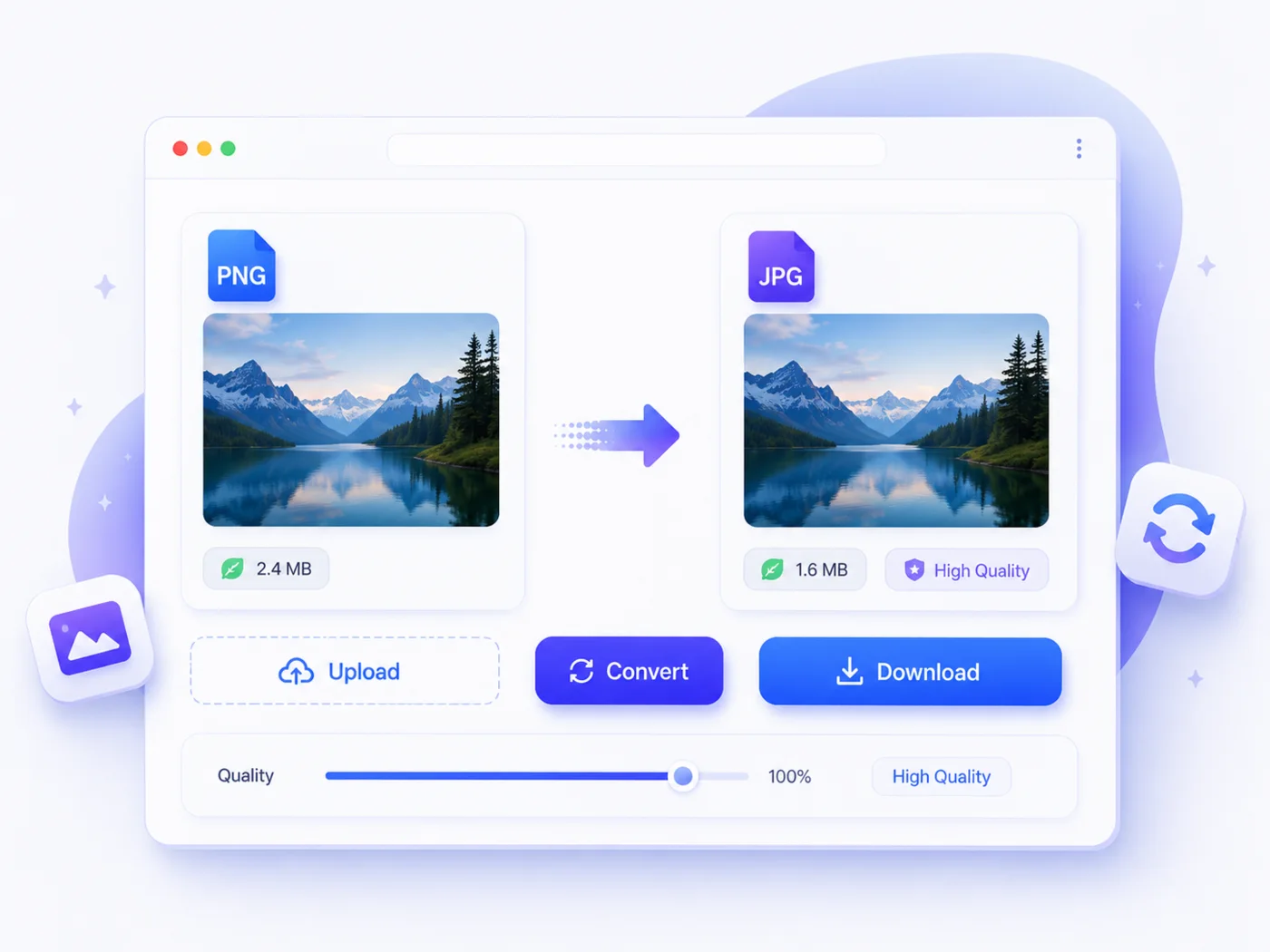
High-quality image conversion workspace preview

What Can You Convert the WEBP Format To?

Our WEBP image converter gives you full flexibility over your output format. Whether you need maximum compatibility, transparency support, or professional print quality, there is an output format here that fits your exact needs.

Here are all the formats you can convert your WEBP images to:

WEBP to JPG

JPG is the most widely accepted image format worldwide. Convert your WEBP to JPG when you need maximum compatibility across devices, platforms, software, and social media.

It is Perfect for photographs, product images, and any situation where broad support matters most.

WEBP to PNG

PNG is the go-to choice when transparency or pixel-perfect quality is a priority. You can convert your WEBP to PNG for graphic design work, logos, screenshots, and any project where clean, crisp edges are non-negotiable.

WEBP to AVIF

AVIF is the next-generation image format that takes compression efficiency even further than WEBP. Convert your WEBP to AVIF when you want the absolute smallest file size possible while maintaining the highest visual quality.

For better quality, you can use the quality control feature in the image converter tool.

WEBP to GIF

Need a simple animation or a lightweight graphic with limited colors? Convert your WEBP to GIF for social media posts, memes, basic web graphics, and anywhere the GIF format is specifically required.

WEBP to BMP

BMP is a raw, uncompressed format that preserves every pixel without any loss of quality.

Convert your WEBP files to BMP when working in Windows environments or when you need a completely unprocessed image file for editing. It is a kind of legacy format.

WEBP to TIFF

TIFF is the trusted standard in professional photography, publishing, and print production. Convert your WEBP to TIFF when your project demands the highest possible image detail, and you are working with print workflows or archiving requirements.

Not sure which format is right for your project? Each format above has its own dedicated converter page with more details to help you make the right choice.

How to Convert WEBP Images in 3 Simple Steps

Converting your WEBP images takes less than a minute from start to finish. There is no technical knowledge needed, no settings to figure out, and no complicated process to follow.

Here is exactly how it works:

01

Step 1: Upload Your WEBP Images

Click the upload area or drag and drop your WEBP files directly into the converter. You can upload up to 30 WEBP images in a single batch and have them all converted at once.

02

Step 2: Select Your Output Format

Once your WEBP files are uploaded, choose the format you want to convert to. JPG, PNG, AVIF, GIF, BMP, TIFF, and any other.

Then pick your preferred output format with a single click, and the tool will apply it to all your selected images automatically.

03

Step 3: Convert and Download

Hit the convert button and your images will be ready in seconds. Download them one by one or grab the entire batch together in a single zip file. Clean, fast, and completely hassle-free.

That is all it takes. No account to create, no email to verify, and no settings to configure beyond picking your output format. Just upload your WEBP files, choose where you want them, and download your converted images in seconds.

Why Convert WEBP to Another Format?

WEBP is an excellent format for the web, but it was never designed to work everywhere. There are plenty of real situations where you will need your WEBP images in a completely different format.

Understanding those situations helps you make the right conversion choice every time.

Here are the most common reasons people convert WEBP images:

Compatibility Issues with Older Software

Not every application speaks WEBP. Older versions of Photoshop, Lightroom, Microsoft Office, and many other widely used tools either struggle with WEBP files or refuse to open them altogether.

Converting to JPG or PNG instantly solves that problem.

Social Media Platform Restrictions

Several social media platforms, online forums, and other tools still do not accept WEBP uploads. If you have ever tried uploading a WEBP image to a platform and hit an unsupported format error, converting to JPG is the fastest and cleanest fix.

Print and Publishing Requirements

The print industry runs on JPG and TIFF. If you are sending images to a printer, publisher, or design agency, WEBP files will almost certainly be rejected.

When you convert your image to TIFF, you get professional print-ready quality, while JPG works perfectly for standard print jobs.

Client and Team Deliverables

Not everyone you work with is familiar with WEBP. When sharing images with clients, colleagues, or collaborators who are not working in a web environment.

In such situations, JPG or PNG is always the safer, more universally understood choice.

Editing and Post-Processing Workflows

Some editing tools and workflows are not built around WEBP. When you try to edit a WebP image, you see an error.

To solve this problem, convert your WebP images to PNG or TIFF before editing. It gives you a more flexible, widely supported file format to work with across different applications.

Whatever your reason for converting, the format you need is just a few clicks away.

Why Use Img To Images Converter for WEBP Conversion?

There is no shortage of online WEBP converters. But most of them come with restrictions that get in the way exactly when you need them most.

We built Img To Images Converter to completely remove those restrictions. This is the tool that actually works the way you expect it to.

Here is what makes us different:

Completely Free, No Strings Attached:

Every WEBP conversion is 100% free. No trial period, no credits system, and no premium plan required. Free means free, every single time.

No Account or Signup Required:

We do not ask for your email address, your name, or any personal information. Open the page, upload your files, and convert. Nothing more.

Convert Up to 30 Images Per Batch, Unlimited Times:

Upload up to 30 WEBP images at once and repeat as many batches as you need. No cap, no restrictions.

Zero Quality Loss by Default:

Every conversion preserves your original image quality unless you choose to apply compression yourself.

Full Format Flexibility:

Convert WEBP to JPG, PNG, AVIF, GIF, BMP, TIFF, and more, all from one place.

Fast, Clean, and Distraction Free:

No cluttered interface, no aggressive ads, and no pop-ups interrupting your workflow.

Your WEBP files deserve a converter that respects them. Img To Images Converter delivers exactly that, every single time.

Frequently Asked Questions

Is the WEBP converter completely free?

Yes, completely. There are no hidden charges, no premium tiers, and no credit systems involved. Every WEBP conversion you do on Img To Images Converter is free, today and every time after that.

How many WEBP images can I convert at once?

You can convert up to 30 WEBP images in a single batch. Once your batch is ready, you can start another one immediately. There is no limit on how many batches you run, so converting large collections of WEBP images is never a problem.

Will my image quality be affected when converting from WEBP?

Not by default. Every conversion is lossless unless you choose to apply compression yourself. Your image quality stays exactly where it was when you uploaded the file, and nothing gets changed in the background without your permission.

What formats can I convert my WEBP images to?

You can convert WEBP to JPG, PNG, AVIF, GIF, BMP, and TIFF. Every output format has its own dedicated converter page if you need more specific information about a particular conversion.

Do I need to create an account to convert WEBP images?

No account, no signup, and no email required. The tool is completely open; upload your WEBP files, select your output format, and download your converted images.

Are my WEBP files stored after conversion?

No. Your uploaded files are used solely to complete the conversion you requested. We do not store, share, or access your images beyond that.

Why is my WEBP file not opening in certain applications?

WEBP is a relatively modern format, and older versions of many applications and various design tools do not support it natively. Converting your WEBP files to JPG or PNG will instantly resolve compatibility issues across virtually all software and platforms.

Is WEBP better than JPG and PNG?

For web use, yes. WEBP delivers smaller file sizes than both JPG and PNG while maintaining excellent visual quality. However, JPG and PNG remain more universally compatible across software, print workflows, and platforms outside the browser.

The best format always depends on where and how you plan to use your image.